











Close the Loop

Close the loop with the customers who raised it.

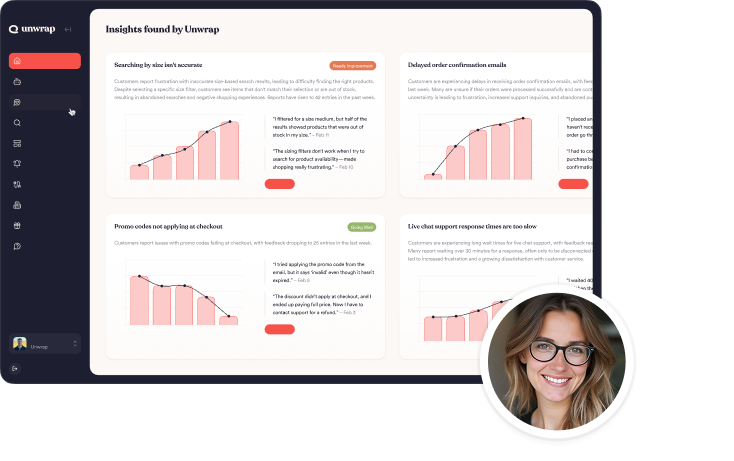
Unwrap is an AI customer intelligence platform that traces an insight back to the verbatim feedback and the accounts behind it. Responder, currently in beta, lets your team reply from inside Unwrap to many feedback entries at once, and those replies post back to the Apple App Store and Google Play reviews they came from. The taxonomy keeps counting that theme afterwards, so it can be tracked before and after a change. Customer experience (CX), support and product teams use it to finish the work an insight starts. Unwrap is used by teams at Oura, lululemon and Zipcar. The result is a follow-up sent from the same record the insight came from, and a theme you can keep measuring after the change.

Book a demo
Retail & Consumer
Travel & Logistics
Software
Compare

See why the top CX, support and product teams use Unwrap

Issue

Reach
Follow-up has to reach the customers behind a theme, and they arrived through different channels
Feedback is ingested from surveys, tickets, chats, calls and reviews, and where a reliable customer identifier such as email is present it is mapped to the account behind it
Effort
Replying at feedback volume means a separate queue, a separate tool and a separate owner
You reply from inside Unwrap, to a whole Group of feedback entries at once
Targeting
Bulk outreach treats everyone who mentioned an issue as one audience
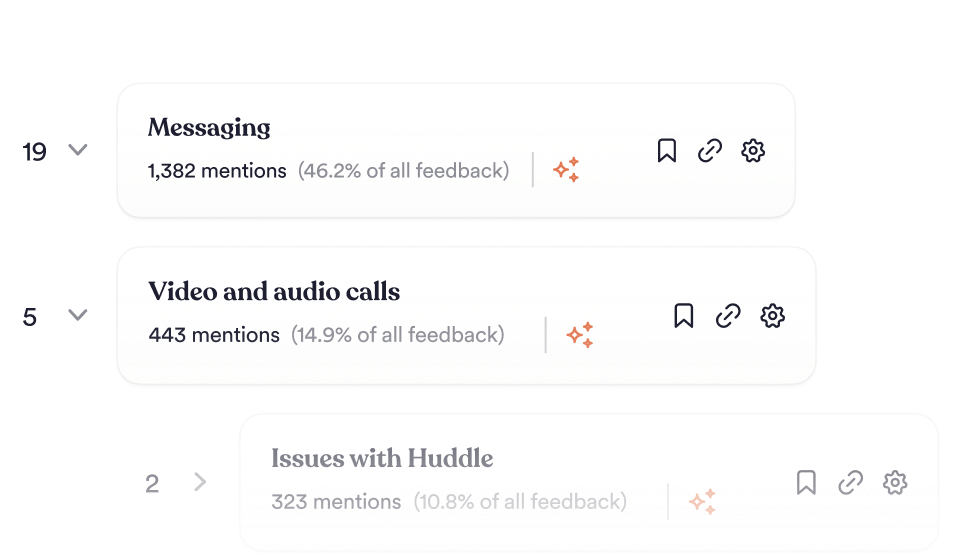
Each theme carries its verbatims, and its accounts where a customer identifier is available, so follow-up can be specific
Proof
Nobody can say whether the fix worked, because the measurement stopped when the ticket closed
The same taxonomy keeps counting the theme after the change, so movement in it is visible in the existing view
Ownership
The insight sits with an analyst and the fix sits with a product team, and the handoff loses the customer
Insights link back to the verbatim feedback they came from, and dashboards are customized by team and role

What does closing the loop mean?

Closing the loop means going back to the customers who raised an issue once something has been done about it, and then measuring whether the issue actually receded. It has two halves, and most programs only run the first: they reply, and they never check whether the feedback changed.

The practical test is whether you can name the customers behind a theme and show the theme shrinking afterwards. If a complaint was resolved but you can’t say who reported it or whether reports declined, the loop is open regardless of how many replies went out.

How do you reply at the rate feedback arrives?

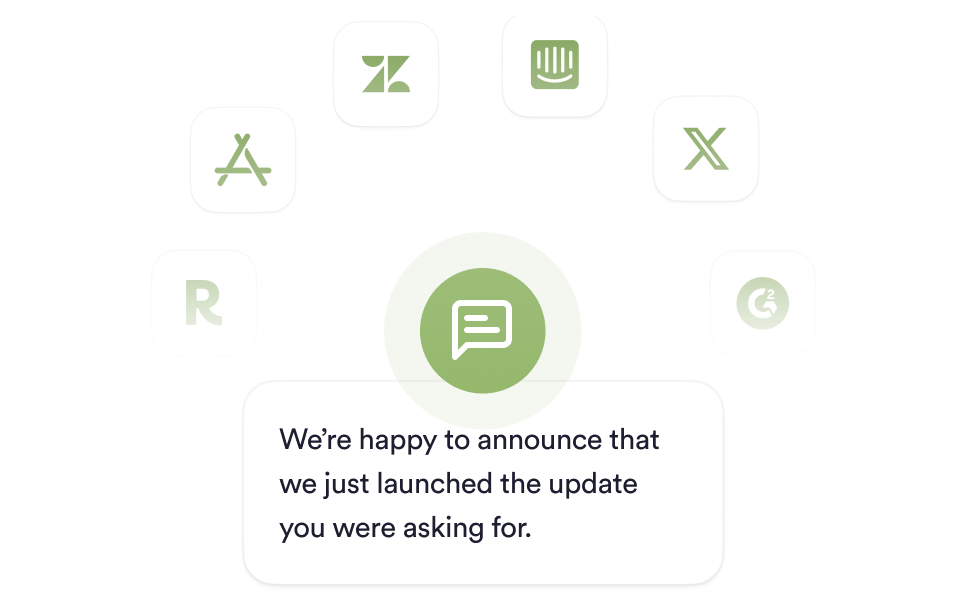
For Apple App Store and Google Play reviews, one response can be sent to a whole Group of feedback entries at once.

Because feedback stays linked to its source entry, the reply lands on the review the customer left, which keeps the conversation where they started it. Replying is not available for tickets, chats, calls or other review sites today. For those, the link back to the source entry lets your team follow up in the tool it came from.

How do you know the fix worked?

The theme that surfaced the problem keeps being counted after the change ships, so the effect appears as a movement in a number you already track.

Rad Power Bikes found a pattern of customers contacting support for spare parts, made those parts available to buy online, and then watched its spare-parts contact rate fall 6% and spare-parts sales rise 21% month over month. The insight that prompted the change came out of Unwrap’s contact-rate analysis.

Closing the loop without a separate outreach tool

Replies to App Store and Google Play reviews are sent from inside Unwrap, so there is no export step.

Replies are sent from the same record the theme was found in, so nothing has to be exported and re-assembled first. Insights link back to the verbatim feedback behind them, across support ticket analytics and review analytics.

Who owns the follow-up?

Dashboards are customized by team and role, so support can own follow-up on service issues while product owns follow-up on capability gaps, both working from the same underlying feedback.

Real-time Slack and email alerts fire the moment an anomaly is detected, through real-time alerts, and executive digests report the loop at a program level in customer feedback dashboards and reporting.

Why Unwrap

Because you don’t need another dashboard.

You need answers—before you even think to ask the question.

Proactive insights, zero manual work.

Stop tagging. Stop guessing. Unwrap surfaces customer feedback trends automatically—even the ones you didn’t anticipate.

Trustworthy AI, company wide.

Transparent and accurate insights shared across your entire organization, connecting everyone to the voice of the customer.

Personalized support, from day one.

We don’t just onboard you—we partner with you. Get expert guidance tailored to your business, every step of the way.

How It Works

From unstructured data to structured decisions.

Connect

Integrate feedback from thousands of sources, effortlessly.

Analyse

Messy feedback becomes proactively delivered insights.

Act

Use data to inform roadmaps, prioritize what matters, and make smarter decisions.

Case Studies

Customer-centric teams love Unwrap.

See how Unwrap's insights inspire innovation.

"Our contact rate for spare parts went down by 6%, and sales for spare parts increased 21% MoM."

Luke Staver

Senior PM for Customer Operations at Rad Power Bikes

"Unwrap accelerates our sense-interpret-respond cycles. Every team can have a compressed time from insights to action. Most groups, engineers, analysts want to do better, and now they have fuel for where to focus."

John Moses

VP, Member Experience at Oura

"My team loves the Unwrap platform. Unwrap’s insights have enabled us to ultimately gain a deeper understanding of our guests’ needs."

lululemon

Shadi El Baba

VP of Guest Support at lululemon

FAQs

Questions? Answers.

How does replying work, and where do replies land?

You reply to feedback from within Unwrap, and the reply posts back to the source platform it came from. One response can be sent to many feedback entries at once, and you can see which entries have been responded to. Reply destinations today are Apple App Store and Google Play reviews. Replying is in beta, and access is turned on by your Unwrap account manager.

Can we close the loop on feedback that was not a survey?

Yes. Unwrap analyzes feedback from surveys, support tickets, chats, calls and reviews. Where a reliable customer identifier such as an email address is present, that feedback is mapped to the account behind it.

How do we prove the fix reduced the problem?

The theme keeps being counted after the change, so the before and after sit in the same view. Rad Power Bikes saw its spare-parts contact rate fall 6% after acting on an Unwrap insight.

Does this require engineering work?

No engineering is required to connect a feedback source. Turning on replies takes a one-time credential setup: for the App Store you add integrations@unwrap.ai with the Customer Support role, and for Google Play a Play Console Owner creates a Google Cloud service account, enables four Google APIs and uploads a JSON key. Unwrap then verifies the account and turns replying on.

Can different teams own different loops?

Yes. Dashboards and alerts are configured by team and role, so different teams can work from the same underlying feedback in their own views.

What happens to the loop when a new channel is connected?

The new source is categorized into the existing taxonomy as it syncs, so feedback arriving through it lands in themes that already exist, without re-tagging.

Discover what matters most.

Book a demo
Book a demo