











AI Support Ticket Analytics

Support ticket analytics that finds the cause behind the volume.

Unwrap is an AI customer intelligence platform that reads your support tickets and chat transcripts and reports what is driving contact volume. As each ticket syncs, it is categorized under a taxonomy Unwrap builds from your own feedback, then each driver is tracked over time. Support, customer experience (CX) and product teams use it to see which issues generate contacts and what the evidence behind each one is. lululemon uses Unwrap to unify guest feedback across support tickets, reviews and social. What comes out is a ranked list of contact drivers, the volume behind each one, and the verbatims that prove it.

Book a demo
Retail & Consumer
Travel & Logistics
Software
Compare

See why the top CX, support and product teams use Unwrap

Issue

Categorization
Ticket categories are picked by agents under time pressure, so the tag describes the queue and not the problem
Every ticket is categorized from its full text at ingest, with no manual tagging step
Covarage
Only tickets someone tagged get counted, so the report measures tagging discipline as much as customer behavior
Every ticket and chat transcript is read in full, tagged or not
Root Cause
Volume reports say which queue is busy and stop there
Each driver opens onto the verbatims it came from, so the cause is visible in the same view
Timing
Monthly reporting means a spike is history by the time anyone discusses it
Drivers update as tickets sync, with an alert when one breaks from its baseline
Action
Cutting volume needs a fix owner outside support, and the case rarely gets made
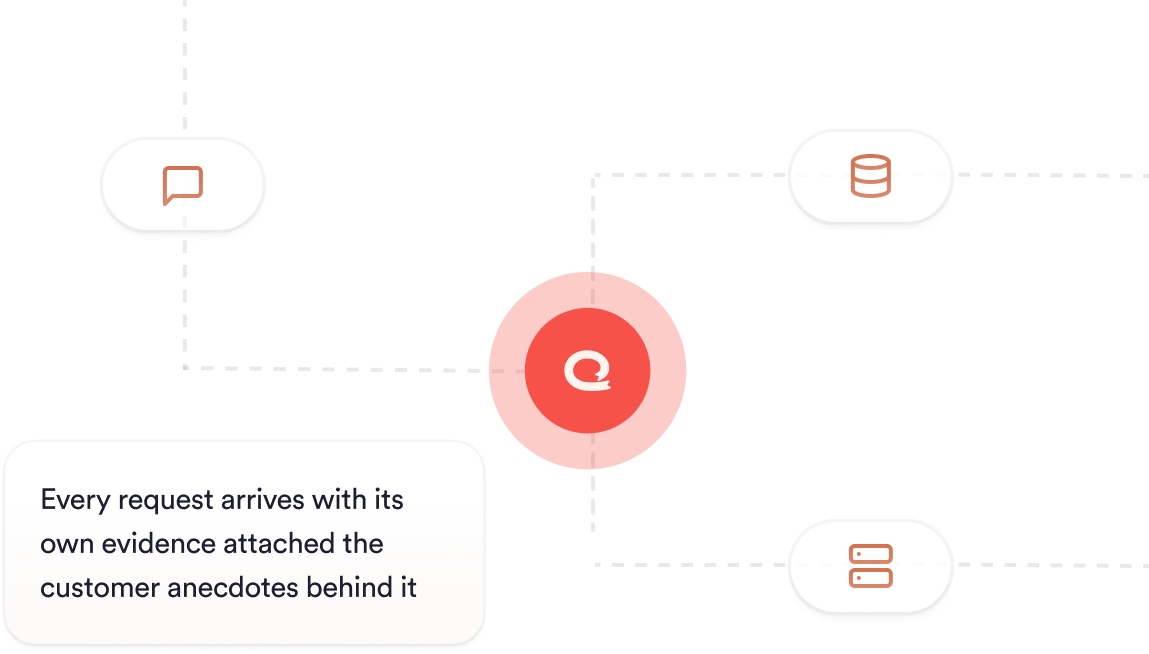
Every driver carries its contact count and customer evidence, which is what a product team acts on

What is support ticket analytics?

Support ticket analytics is the practice of measuring what your support tickets are about, grouped by cause and tracked over time, so the numbers describe customer problems and not queue activity. It treats the text of the ticket as the data, so a billing failure counts as a billing failure whether the agent filed it under Billing, Account or Other.

The distinction matters because most helpdesk categories exist to route work. They were written to get a ticket to the right team quickly, and they are picked in seconds by someone whose job is to resolve the contact. Reading the conversation itself turns a support queue into a record of what customers are struggling with.

Which issues are actually driving your contact volume?

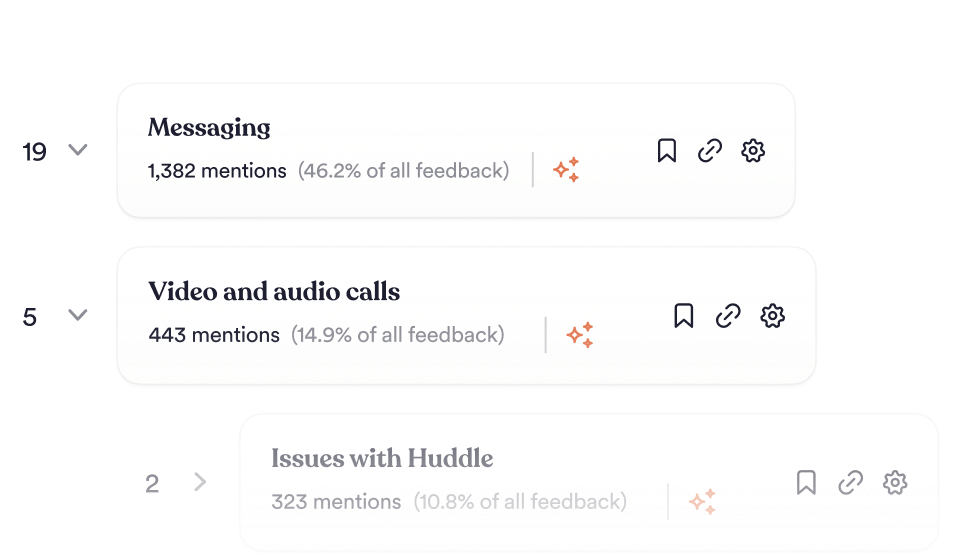
Unwrap ranks every contact driver by how many tickets it accounts for, so the largest sources of volume are visible without anyone building a report.

Because the taxonomy is generated from your feedback, drivers appear whether or not a category already existed for them. A driver that didn’t exist last quarter shows up on the next sync after customers start describing it, and the ranking updates as tickets sync. Volume sits beside the verbatims, so a number in a meeting can be opened and checked against what customers actually wrote.

How do you find the root cause of a recurring ticket?

Each driver in the ranking opens onto the tickets it was built from, so the cause is one click from the count.

Most volume reporting stops here. Say a chart shows password resets are up 30%. The reason lives in a thousand unread tickets. Unwrap keeps the two together: the theme carries its own evidence, and that evidence is what convinces the team that owns the fix. Rad Power Bikes traced a 27.3% reduction in “Where is my order?” contacts over 3 months to a driver it found this way.

Support ticket analytics without a tagging backlog

Unwrap builds the taxonomy from your tickets and Auto Tagger categorizes new ones as they sync, so there is no backlog to clear before the analysis is useful.

Tickets arrive from Zendesk, Freshdesk, Kustomer, Gladly, Gorgias and Help Scout, chat transcripts from Intercom, and call transcripts from Gong, Zoom, Aircall, Talkdesk and AWS Connect. All of it lands under one taxonomy, which means channel becomes a filter on a single number. More sources are listed on the customer feedback integrations page.

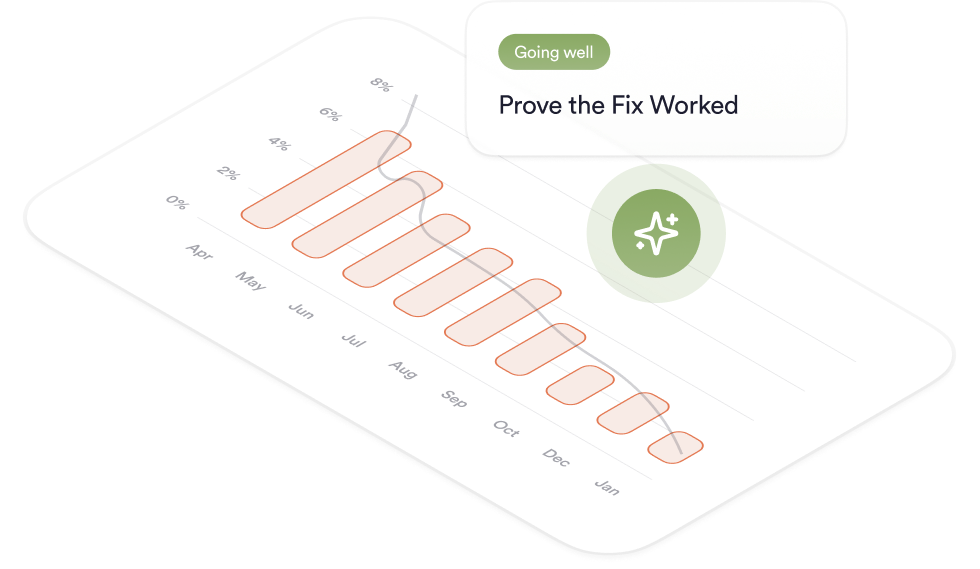
What happens after you fix a driver?

The same taxonomy that surfaced the driver keeps counting it after the fix ships, so the drop in contacts is measurable in the view you already use.

That closes the argument for the next fix. Rad Power Bikes reported a 27% decrease in overall support volume in the first quarter after identifying the issue, and separately used Unwrap’s contact-rate analysis to cut spare-parts contacts by 6%. Follow-up with the customers who raised the issue runs through close the loop, and anomaly detection on new drivers runs through real-time alerts.

Why Unwrap

Because you don’t need another dashboard.

You need answers—before you even think to ask the question.

Proactive insights, zero manual work.

Stop tagging. Stop guessing. Unwrap surfaces customer feedback trends automatically—even the ones you didn’t anticipate.

Trustworthy AI, company wide.

Transparent and accurate insights shared across your entire organization, connecting everyone to the voice of the customer.

Personalized support, from day one.

We don’t just onboard you—we partner with you. Get expert guidance tailored to your business, every step of the way.

How It Works

From unstructured data to structured decisions.

Connect

Integrate feedback from thousands of sources, effortlessly.

Analyse

Messy feedback becomes proactively delivered insights.

Act

Use data to inform roadmaps, prioritize what matters, and make smarter decisions.

Case Studies

Customer-centric teams love Unwrap.

See how Unwrap's insights inspire innovation.

"Because we identified the root cause in Unwrap, we were able to reduce the number of contacts pertaining to this issue by 27.3% over 3 months."

Luke Staver

Senior PM for Customer Operations at Rad Power Bikes

"It’s really the availability and the ease of accessing themes across all of our channels. With Unwrap, we can compile everything across all our feedback channels to capture themes and see how guests are feeling."

lululemon

Chrissy Nichol

Director of Guest Support at lululemon

"Unwrap accelerates our sense-interpret-respond cycles. Every team can have a compressed time from insights to action. Most groups, engineers, analysts want to do better, and now they have fuel for where to focus."

John Moses

VP, Member Experience at Oura

FAQs

Questions? Answers.

How is this different from the reporting built into our helpdesk?

Helpdesk reporting counts tickets by the category an agent selected. Unwrap categorizes from the full text of the conversation, so the driver reflects what the customer described. Your helpdesk stays the system of record for the ticket itself.

Do we have to tag tickets before this works?

No. Auto Tagger builds the taxonomy from your existing tickets and categorizes new ones as they sync, so there is no tagging project to run first.

Can Unwrap read chat transcripts and calls as well as tickets?

Yes. Chat transcripts from Intercom, and call transcripts from Gong, Zoom, Aircall, Talkdesk and AWS Connect, are read under the same taxonomy as tickets.

How long does it take to connect our helpdesk?

Integration setup is a matter of a couple of clicks, with full setup within 2 weeks and no engineering required. Drivers begin populating as soon as your first source syncs.

Can we see which accounts are contacting us about a driver?

Yes. Each driver opens onto the individual tickets behind it, and account attributes from your CRM can be applied as filters, so a driver can be weighed by who raised it as well as by raw count.

Does Unwrap replace our helpdesk?

No. Tickets are still created, routed and resolved where they are today. Unwrap reads them and reports what they are about.

Discover what matters most.

Book a demo
Book a demo