











AI Real-Time Alerts

Real-time alerts when a theme breaks from its baseline.

Unwrap is an AI customer intelligence platform that watches your feedback themes for movement across every Unwrap View where data is regularly ingested, and tells you when one changes. It tracks how often each theme appears, compares it against that theme’s own trailing averages and prior peak, and raises an alert when a theme hits a 14-day high at least 25% above its prior peak and outpaces those averages. Customer experience (CX), support and product teams use it to hear about an emerging issue while it is still emerging. Unwrap is used by teams at Oura, lululemon and Zipcar. Average alerting time for anomalous trends is under 24 hours.

Book a demo
Retail & Consumer
Travel & Logistics
Software
Compare

See why the top CX, support and product teams use Unwrap

Issue

Detection
Keyword- or rule-based monitors have to be configured per known issue, so a theme nobody wrote a rule for goes unwatched
Detection runs across all your Unwrap Views where data is regularly ingested, and covers newly identified patterns as well as existing ones
Baseline
A fixed volume threshold has to be set per theme, and the right number for a high-volume theme is the wrong number for a small one
Each theme is compared against its own trailing averages and prior peak, not a company-wide volume bar
Speed
Manual review cycles mean the first report of an issue lands days after the first customer raised it
Average alerting time for anomalous trends is under 24 hours
Coverage
Alerts on ticket volume miss an issue that surfaced in reviews or on a call
Every connected channel is read under one taxonomy, so a theme is counted across every connected source rather than one channel at a time
Noise
Alerts that fire on normal fluctuation train people to ignore the channel
Alerts fire on a break from baseline, and candidates pass LLM quality gates for precision, coherence, urgency and duplicate detection, plus filters for spam and automated tickets. Sensitivity is adjustable

What is anomaly detection in customer feedback?

Anomaly detection in customer feedback means watching how often each theme appears and flagging when that rate departs from what is normal for that theme. It is a comparison against history, which separates a real change from a busy week.

A common alternative is threshold alerting: pick an issue, pick a number, get told when volume crosses it. That works for problems you already know about. It can’t tell you about a theme nobody has created a rule for.

How fast do you find out an issue is emerging?

Average alerting time for anomalous trends is under 24 hours.

Speed matters because the cost of an issue compounds while it is invisible. Working from publicly available app-store feedback, Unwrap identified a 3x year-over-year rise in reports of volume settings reverting to minimum unexpectedly. That is the shape of a problem worth catching early: sharply up against its own history, and specific enough to act on.

How do you catch a theme that has no tag yet?

The taxonomy can be generated from your feedback or built on the one you already use, and it stays current as new patterns appear, so a problem doesn’t need an existing category to be counted or watched.

Rule-based alerting has no answer here. A new failure mode arrives with words nobody anticipated, and no threshold exists because no tag exists. Unwrap creates the theme from the feedback, which is why alerts cover issues that did not exist last week.

Where do alerts arrive?

Alerts are delivered to Slack and email. Connected integrations pull new feedback each night, so a theme is re-checked on every sync.

Alongside real-time alerts, Unwrap sends executive-grade digests carrying 4 to 6 insights to your preferred channel, weekly on the Pro tier and monthly on Growth. In Unwrap’s GitHub Copilot case study, the team saw a 4.6x increase in surfaced insights on code completion accuracy, alongside an 82% reduction in time spent categorizing feedback.

How do you keep alerts worth reading?

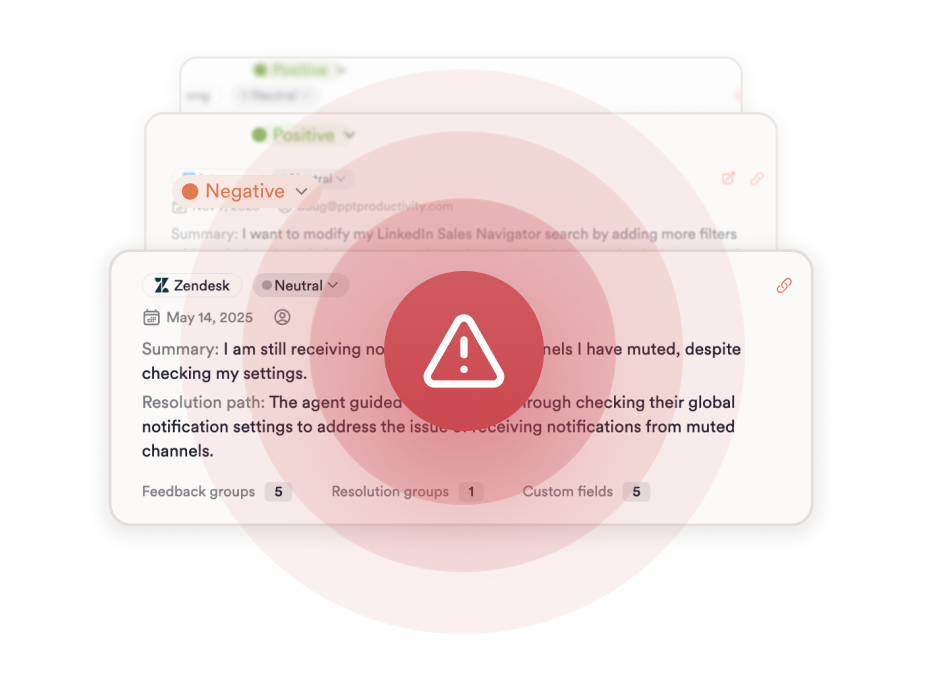
Alerts fire on a break from a theme’s own baseline.

Routing does the rest. Dashboards and permissions are configured by team and role, and individual users can subscribe to the Groups they care about. Each alert lists the data sources that power it, and every insight in Unwrap traces back to the original verbatim feedback, and follow-up runs through close the loop. The drivers themselves live in support ticket analytics.

Why Unwrap

Because you don’t need another dashboard.

You need answers—before you even think to ask the question.

Proactive insights, zero manual work.

Stop tagging. Stop guessing. Unwrap surfaces customer feedback trends automatically—even the ones you didn’t anticipate.

Trustworthy AI, company wide.

Transparent and accurate insights shared across your entire organization, connecting everyone to the voice of the customer.

Personalized support, from day one.

We don’t just onboard you—we partner with you. Get expert guidance tailored to your business, every step of the way.

How It Works

From unstructured data to structured decisions.

Connect

Integrate feedback from thousands of sources, effortlessly.

Analyse

Messy feedback becomes proactively delivered insights.

Act

Use data to inform roadmaps, prioritize what matters, and make smarter decisions.

Case Studies

Customer-centric teams love Unwrap.

See how Unwrap's insights inspire innovation.

"When something happens, we need to know in a matter of hours, not days."

Adam Turaev

Co-founder and CEO of Praktika

"It’s kind of insane how virally this product spread within our company. People would share images internally of the alerts they were getting, or images of the dashboard—making those who saw them eager to get access."

Nate Giacalone

VP of Product, Growth at WHOOP

"It’s an understatement to say we’ve ‘saved time’ using Unwrap. Our quantitative visibility into customer feedback was nearly impossible before."

Hayley O.

Senior Manager of User Research at Zipcar

FAQs

Questions? Answers.

How quickly does an alert fire?

Average alerting time for anomalous trends is under 24 hours.

Do we have to tell Unwrap which issues to watch?

No. Detection runs across all your Unwrap Views where data is regularly ingested, and covers newly identified patterns of feedback as well as existing patterns that are significantly elevated, including themes that had no category before.

Where do alerts get delivered?

Real-time alerts and executive digests are delivered to Slack and email. Digests carry 4 to 6 insights to your preferred channel, weekly on the Pro tier and monthly on Growth.

How do you avoid alerting on normal fluctuation?

Each theme is compared against its own baseline instead of a fixed threshold, so an alert reflects a change in that theme’s behavior.

Can different teams get different alerts?

By default, alerts go to everyone in your Unwrap organization. Dashboards and View-level permissions are scoped by team and role, individual users can subscribe to the Groups they care about, and additional distribution lists or specific Slack channels can be set up with your Unwrap representative.

Can we see why an alert fired?

Each alert lists the data sources that power it, and every insight in Unwrap traces back to the original verbatim feedback, so you can open the anecdotes behind it.

Discover what matters most.

Book a demo
Book a demo